My Digital Footprint
Intro: Almost everyone in the modern day and age have a digital footprint, and understanding how to keep it clean is very important. So in this blog I’ll be sharing about my digital footprint and how to keep it clean.
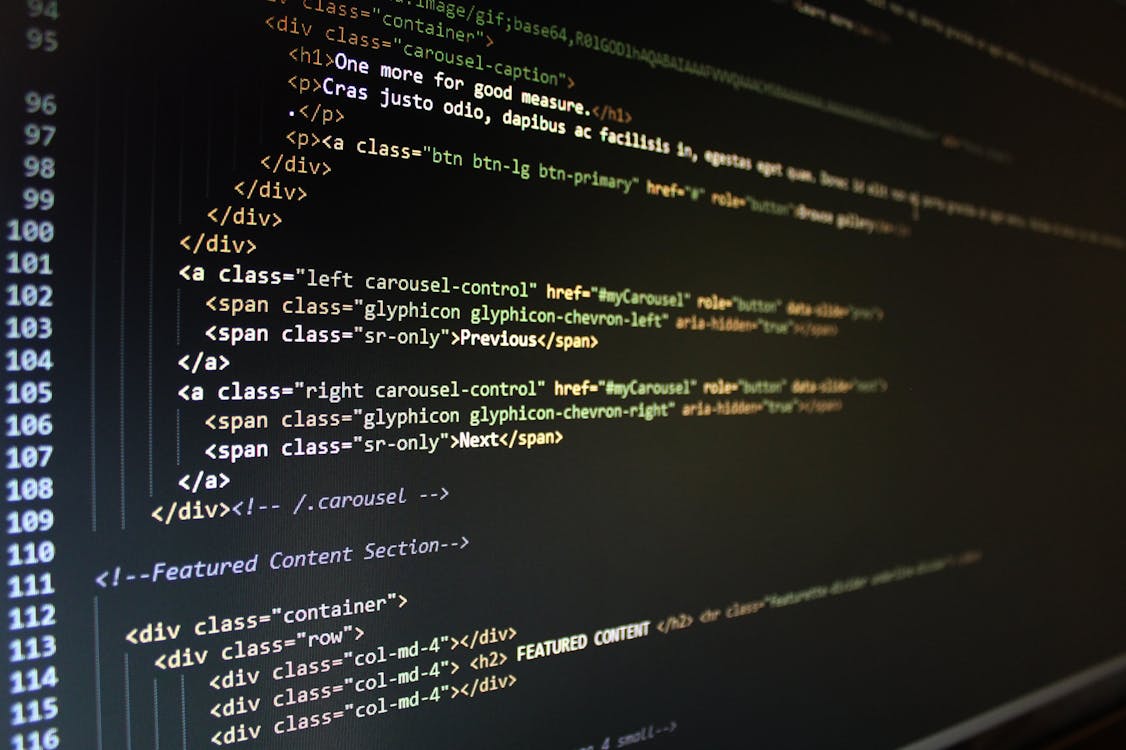
Questions:
Q1: What strategies could you use to
protect your own identity when
using social media?
A1: Some of the most simple strategies that you could use to protect your digital footprint are; 1. Being careful about what you post. If you don’t post anything dumb, or inappropriate that’s one of the most simple ways that you can clean up your name online. 2. Don’t say any of your personal information online. i.e. your address, what school you go to, your banking details etc. And 3. have super secure passwords. One way that you can have safe passwords is to not use the same passwords on different websites, because if someone finds out that password from 1 site, they have it for every site.
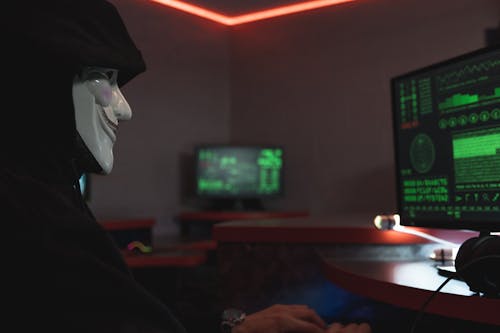
Q2: What are some ways you can
limit the amount of online
content that you are constantly
consuming?
A2: The simplest way (and probably the best way) that you can limit your time spent online is to take a break every once in a while, and do something outside of your screen, like go on a bike ride, or something else outside. Another thing that you can do to limit your time spent on your phone specifically, is that through the screen time app you can set a daily screen time limit. I’ve never done this one personally, but I’ve seen people who have a screen time limit. And my favorite way to avoid the amount of online content that you consume each day is to not watch any kind of short form content (like Tik Tok, YouTube Shorts, Snapchat Highlights etc.) . It always been easy for me to avoid these kind of videos, but it’s so easy to scroll through these videos for hours, and some people really struggle to break the habit.

Q3: Describe at least 3 strategies that
you can use to keep your digital
footprint appropriate and safe.
A3: My 3 best ways that you can keep your digital footprint safe are:
- Never post anything inappropriate/hurtful online. Something hurtful being anything racist, sexist, homophobic, etc. If you aren’t sure if something is one of those 2 things, just don’t post it, because it probably didn’t even have to be said in the first place.
- Try to use your social media for productive things only. Make your personal social presence something that could be shown to a future employer, and you wouldn’t be ashamed, or worried about. You should never post things that will come back to haunt you in your later years.
- Don’t post too much. I see things posted online a lot that are just pointless, and that no one had so say. They’re not actively bad, but no one appreciates a person who has to post something all the time, and is needy for likes.

Reflection after googling myself:
It’s really hard to find myself online. If you just look up my full legal name I couldn’t find anything about myself other then my school e-mail account. Then I tried looking up some of my online usernames, and found 1 thing… My profile picture. It’s the same one I have on my school account right now, so it’s not really special. But 1 strange way that I did find myself is through the friends list of someone I have friended on steam. I couldn’t really find me anywhere else though. My personal e-mail doesn’t have my full name in it, and I don’t really have any social media. Overall my digital footprint is clean. My digital footprint would come across as good to others I think, since by me not having a lot of social media presence, and the only YouTube channel that would show up belongs to my little brother, that show’s that I don’t post a lot of dumb things on social media, and I don’t feel the need to constantly say things.

Conclusion:
After completing this activity I learned a lot of things about me, my online presence, and the internet. I learned that it’s pretty hard to find myself online and that I have a pretty common name for people in the U.S.A. And that my last name/other last names that are extremally similar, seem to be much more common then I thought originally. I learned that it’s possible to find out about any of my accounts for any app just from google. And I learned just how easy it is to find out about normal people that you would otherwise know nothing about through the internet. Overall this project was a great way to find out more about myself through the internet.

Bibliography (in order of appearance):
Photo by Pixabay from Pexels: https://www.pexels.com/photo/turned-on-computer-monitor-displaying-text-270360/
Photo by Tima Miroshnichenko from Pexels: https://www.pexels.com/photo/a-person-with-mask-using-a-computer-5380608/
Photo by Quang Nguyen Vinh from Pexels: https://www.pexels.com/photo/foggy-lake-2166695/
Photo by Andrea Piacquadio from Pexels: https://www.pexels.com/photo/photo-of-a-man-listening-music-on-his-phone-846741/
Photo by Pixabay from Pexels: https://www.pexels.com/photo/water-drop-220211/
Photo by Andrea Piacquadio from Pexels: https://www.pexels.com/photo/positive-businesswoman-doing-paperwork-in-office-3756678/
Thank you for sharing your work on to your Edublog! Detailed feedback has been left on Teams under the assignment section.
Mr. Barazzuol
Thank you for the advice about commenting!